
West Wood Remake PC Controls
Keyboard players get the cleanest version of West Wood and still forget Backspace exists. This is the sheet to pin beside the map.
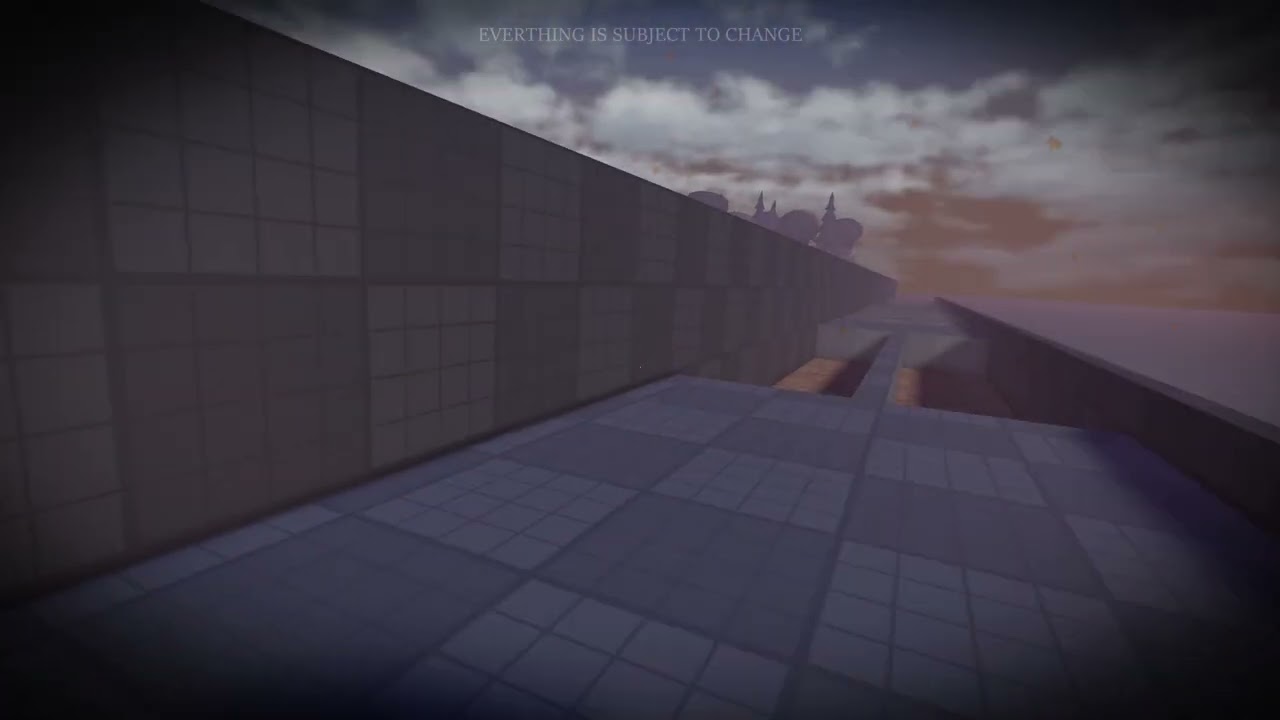
| Action | PC | Why it matters |
|---|---|---|
| Drop item | Backspace | Keys and corn need slots |
| Contracts | G | Daylight has a job list |
| Accessory | H | Gadgets and medallion toys |
| Sprint | Left Shift | Save it for Jerry |
| Unlock mouse | T | UI, cameras, dealer |
Add Roblox’s usual WASD, jump, and interact. The horror-specific layer is the table. If you are still clicking wildly at a cache keypad, hit T. If you are over-encumbered in a kitchen, hit Backspace, not the panic button. Inventory logic is on items.
Sprint discipline is the hidden PC skill because Left Shift is so easy to hold. Walk the civic loop. Run the chase. That is the whole athletic program, and it pairs with coffee rules on Blood Moon.
Make the horror layer boring
Backspace drops. G opens contracts. H activates accessories. Left Shift sprints. T unlocks the mouse. Add WASD, jump, and interact. The table on this page is the horror-specific layer. If you are clicking wildly at a cache keypad, hit T. If you are over-encumbered in a kitchen, hit Backspace, not the panic button. Inventory logic is on items. Accessory H is how cameras, radios, and medallion toys stop being decorations.
Sprint discipline is the hidden PC skill because the key is so easy to hold. Walk the civic loop from key locations. Run the chase. Coffee rules on Blood Moon assume you still have a stamina bar. Controller on PC? Use console binds. Playing with a friend on pad? Speak house numbers, not colors. The keyboard is the cleanest version of West Wood and people still forget Backspace exists. Pin this sheet beside the map until that is funny instead of fatal.
Frequently asked questions
Short answers before you queue.
What does T do?
Unlocks the mouse so you can actually use UI like a human.
What does H do?
Accessory activation: lights, gadgets, the things you bought from the dealer and then forgot.
Can I play with controller on PC?
Yes. Use console binds if that is your layout.
I keep sprinting by accident.
Left Shift is too easy to hold. Walk the civic loop. Run the chase. That is the athletic program.
Cache keypads feel impossible.
Hit T. If you are still fighting the cursor, you are fighting the UI, not Jerry.